WhatsAppInvoiceGenerator is free
Create invoices without signup, subscriptions, or setup time.
Create professional invoices online and send them to customers on WhatsApp in one tap. The free invoice maker for freelancers, shops, salons, tutors and small businesses.
Saved on this device so your next invoice is ready instantly.
PNG, JPG or SVG. Auto-resized for fast invoices.
Who is this invoice for?
Add each product or service you're billing for.
Number, dates and status.
Toggle what applies to this invoice.
Record any amount already paid.
Shown at the bottom of the invoice.
Bill To
Customer name
| Description | Qty | Unit Price | Amount |
|---|---|---|---|
— | 1 | $0.00 | $0.00 |
How it works
Make a professional bill and send it to your customer on WhatsApp in three quick steps — no login, no design skills needed.
Enter your business info once and the customer + items for this invoice. We save your business details in your browser for next time.
Subtotal, tax, discount, shipping, amount paid and balance due are calculated instantly as you type. Preview a clean invoice live.
Download a PDF, print, copy the message, or tap “Send on WhatsApp” to open a chat with a ready-to-send invoice message.
Simple billing for WhatsApp-first businesses
A WhatsApp Invoice Generator is a free online tool that lets you create professional invoices and send them straight to your customers on WhatsApp. Instead of juggling spreadsheets or expensive accounting software, you fill in a simple form, preview a clean invoice, and share it on the app your customers already use every day.
This WhatsApp bill generator works entirely in your browser. Enter your business details once and they're saved on your device, so every new invoice is ready in seconds. When you're done, you can download the invoice as a PDF, print it, copy the invoice message, or open WhatsApp with a pre-filled message - making it the fastest way to send a bill on WhatsApp and get paid.
Build a clean invoice from one simple form.
Open WhatsApp with a ready customer message.
Save business details only in your browser.
Customers open WhatsApp far more often than email. Sending invoices where your customers already are means faster replies, fewer missed bills and quicker payments.
Invoices land in a chat that's read in minutes, not buried in an inbox.
Create and send invoices from your phone while you're on the job.
No apps to install or portals to log in to — just a normal WhatsApp message.
Tax, discount, shipping and balance due are calculated automatically.
Your business details stay on your device. No account, no cloud, no tracking.
Add bank, UPI, PayPal or a payment link so customers can pay right away.
This free invoice generator is built for small businesses and independent professionals who bill customers directly:
From invoice to payment
Create the invoice, send it in chat, and make it easy for customers to pay.
Create invoices without signup, subscriptions, or setup time.
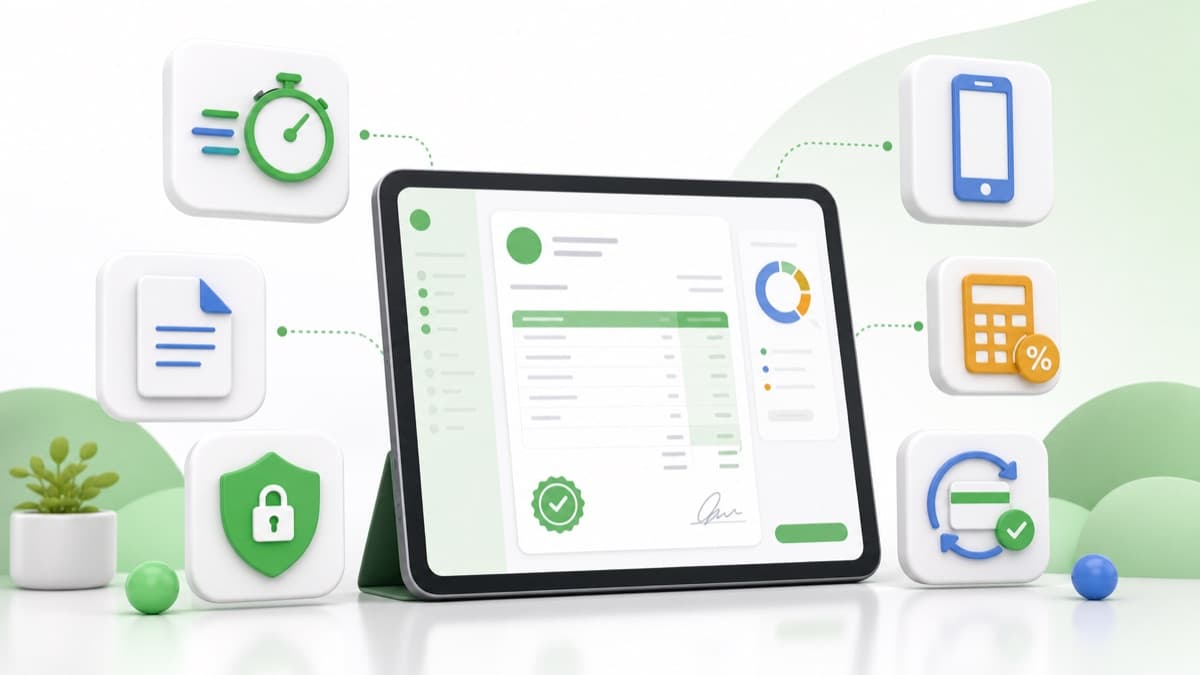
PDF export, invoice links, privacy, mobile sharing, and automatic totals.
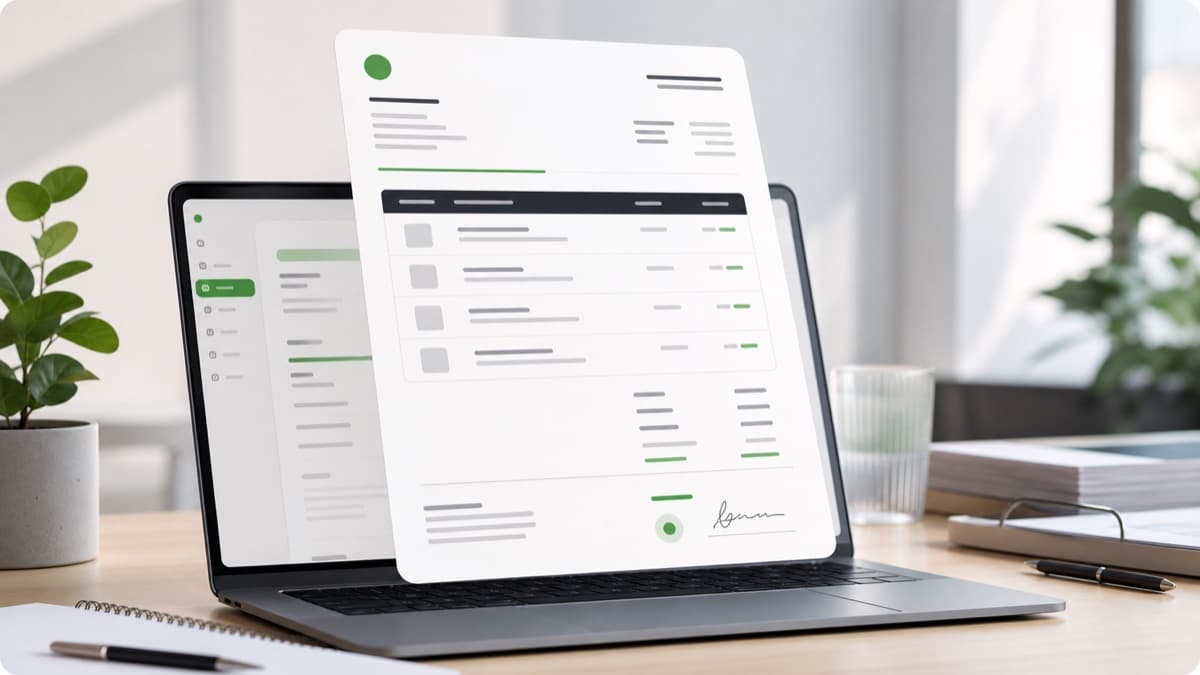
Review clean invoice layouts before you download, print, or send.
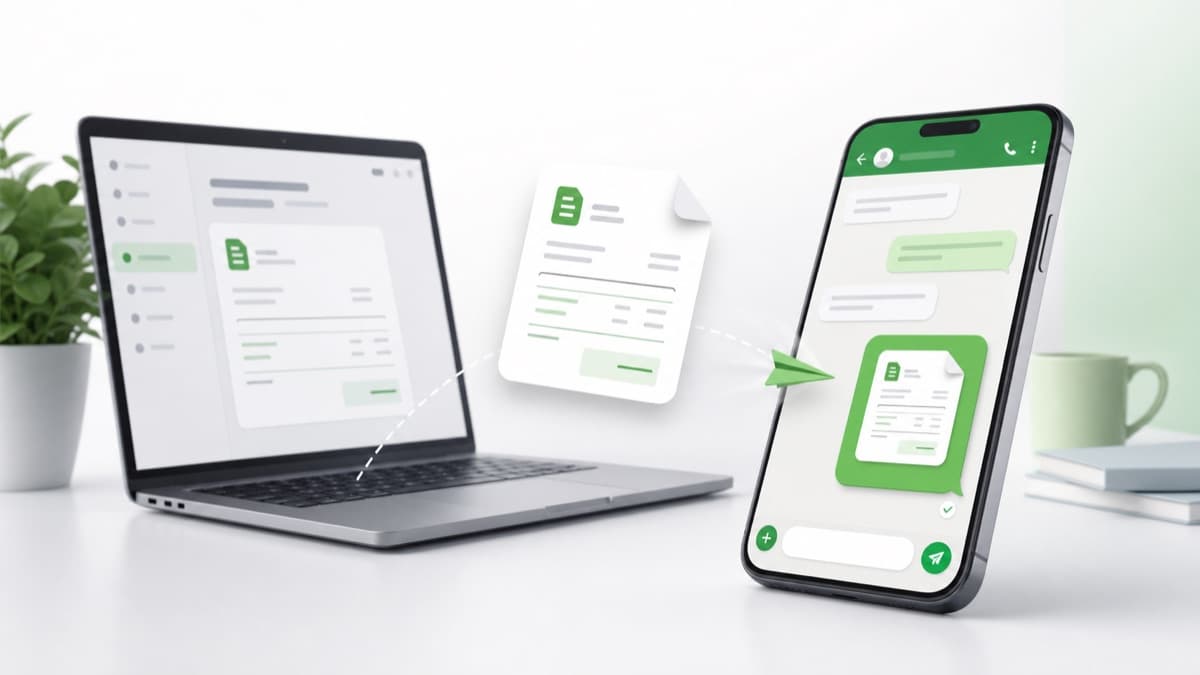
Open a ready-to-review customer message with invoice details included.

Customers can view the bill from the same chat they already use.
Track paid, unpaid, and partial balances with a clear payment status.
Everything about creating and sending invoices on WhatsApp.
Yes. Create your invoice, then tap “Send invoice on WhatsApp”. The tool opens WhatsApp with a ready-to-send message that includes the invoice number, amount, due date, status, payment details and a link to view or download the invoice. You review it and hit send.
Yes, the WhatsApp invoice maker is free to use. You can create unlimited invoices, download them as PDF, print them and send them on WhatsApp without signing up or paying.
Absolutely. Add your business name, logo, address, contact details, website and payment information once. We save them in your browser so every future invoice is pre-filled automatically.
Yes. You can add your Tax ID / GST / VAT number and business registration number, and apply tax as a percentage or a flat amount per invoice. Discounts and shipping charges are supported too.
Yes. Every invoice can be downloaded as a clean, professional PDF or printed directly from your browser. The PDF matches the live preview exactly.
This free tool opens WhatsApp with a pre-filled message that you send manually — no automation, fully compliant with WhatsApp's rules. Automatic sending through the official WhatsApp Business API (for verified businesses, with customer opt-in and approved templates) is planned as an optional pro feature.
No. It works with regular WhatsApp and WhatsApp Business on both mobile and desktop. You only need a WhatsApp account to send the message.
Yes. It's built for freelancers, tutors, salons, repair shops, consultants, agencies, food sellers and local service providers who want to bill customers quickly and get paid faster over WhatsApp.
It's free, works on any device, and your details stay on your phone or computer.
Create an invoice now