How to Send a WhatsApp Invoice That Gets Paid Faster
A WhatsApp invoice that gets paid is one the customer can understand and act on in under 30 seconds.
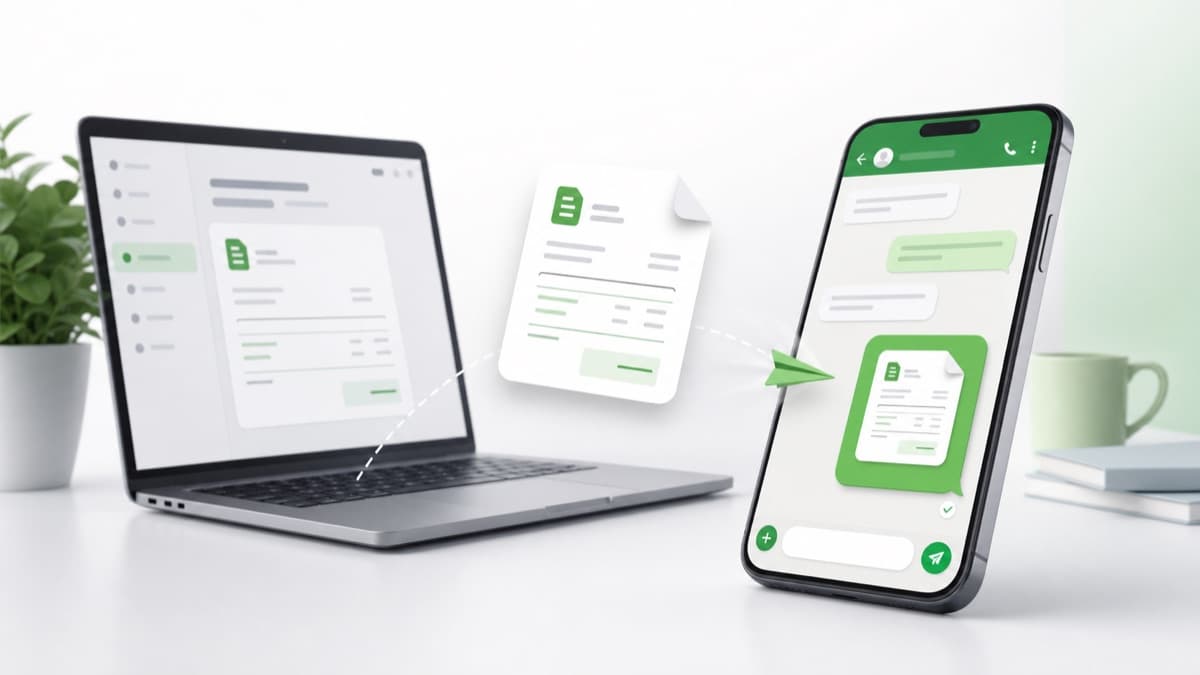
Sending an invoice on WhatsApp takes less than two minutes when your invoice is complete. This guide walks through every step — from creating the invoice to writing the message to following up — so customers pay without confusion.
Key takeaways
- Complete your invoice before you open WhatsApp — a rushed invoice creates payment delays.
- Keep the WhatsApp message to four lines: greeting, invoice number, amount, due date, and link.
- Always attach or link the invoice — the chat message is the cover note, not the official record.
- Follow up in the same thread so the customer can find the original invoice and payment details instantly.
Who this guide is for
Small-business owners, freelancers, and service providers who want a reliable, step-by-step process for sending invoices through WhatsApp and getting paid faster.
Why most WhatsApp invoices get ignored
The most common reason a WhatsApp invoice goes unpaid is not that the customer is dishonest — it is that the invoice is incomplete or the message is unclear. When the amount does not match what was agreed, the due date is missing, or the payment method is not stated, the customer puts it aside and forgets. A complete invoice sent with a short, specific message removes every reason to delay.
Step 1 — Create a complete invoice before you open WhatsApp
The invoice is the official record. The WhatsApp message is just the delivery. Your invoice must contain your business name and contact details, the customer name, an invoice number, invoice date, due date, itemized products or services with clear descriptions, subtotal, tax if applicable, total amount, amount already paid if any, balance due, and payment instructions. Missing any of these forces the customer to ask, which pushes the payment back.
- Use a free invoice generator so nothing is left out by accident.
- Write item descriptions that match what the customer approved — not internal shorthand.
- Show balance due separately when a deposit has been paid.
- Add at least one payment method with enough detail for the customer to act immediately.
Step 2 — Choose the right format: PDF, invoice link, or both
A PDF is the standard choice when the customer needs a formal document for accounting or records. An invoice link is better when the customer is on mobile and wants to open and pay quickly from the chat. For most WhatsApp invoices, sending an invoice link in the message and a PDF attachment in the same chat covers both needs. The link is quick; the PDF is the formal record. If you mostly send formal copies, the PDF invoice generator produces a clean download, while the invoice link generator creates a shareable page that opens straight from the chat.
- PDF: best for business clients, accountants, and any invoice that needs to be filed.
- Invoice link: best for individual customers who pay from their phone.
- Both: the safest option for high-value invoices or first-time customers.
- Avoid screenshots — they look informal, are hard to read, and cannot be searched or saved cleanly.
Step 3 — Write a four-line WhatsApp message
The message should not explain the work or justify the amount. That is what the invoice is for. A good WhatsApp invoice message has four elements: a greeting with the customer name, the invoice number and amount due, the due date, and the invoice link or note that the PDF is attached. That is everything the customer needs to open the invoice and pay. Ready-made wording for new invoices, reminders, and overdue notes is collected in the WhatsApp invoice message templates.
- Hi [Name], here is invoice #[Number] for [Amount]. Due date: [Date]. View it here: [Link].
- Hi [Name], invoice #[Number] is attached. Total: [Amount]. Due by [Date]. Payment details are inside.
- Hello [Name], sharing invoice #[Number] for the [Service]. Balance due: [Amount] by [Date].
- Keep it under 50 words. Longer messages look like arguments, not invoices.
Step 4 — Make payment as easy as possible
Payment friction is the second biggest reason WhatsApp invoices go unpaid. If the customer has to ask for your bank details, UPI ID, or PayPal address, the payment gets delayed by hours or days. Put the most important payment method inside the invoice and repeat it in the message when the customer usually pays that way. If you accept multiple methods, list them clearly so the customer picks one and pays rather than picking none and waiting.
Step 5 — Follow up in the same chat thread
If payment has not arrived by the due date, send a short reminder in the same WhatsApp conversation. Do not start a new chat or ask a vague question like did you get my invoice? Instead, include the invoice number, amount, due date, and link again. This gives the customer everything they need without making them scroll. One reminder before the due date and one after is usually enough for most customers.
- Before due date: Hi [Name], gentle reminder — invoice #[Number] for [Amount] is due on [Date]. Link: [Link].
- After due date: Hi [Name], invoice #[Number] for [Amount] was due on [Date]. Please share confirmation when payment is made.
- Always leave room for the customer to say payment was already sent — this protects the relationship.
- Do not chase with multiple daily messages. One reminder every three to five business days is usually enough.
What to do when a customer asks to resend the invoice
Reply in the same chat with the invoice link or a fresh PDF. Do not apologize excessively or explain again. Simply share the link and restate the balance due and due date. If the customer says they have already paid, ask them to share confirmation so you can update your records — this resolves most disputes without tension.
Keeping the WhatsApp invoice professional
WhatsApp is informal by default, but the way you use it can still be professional. The goal is to treat the chat as the delivery channel and the invoice as the official record. When your invoice has the right details and your message is short, customers can understand what they owe without scrolling through a messy conversation. A due date is better than a vague phrase like soon or at your earliest convenience. If payment is expected immediately, write due on receipt. If you give time to pay, use a specific date or a simple term such as due within 7 days. A clear due date protects the relationship because expectations are set before the payment becomes late.
- Good: Hi Priya, here is invoice #INV-0042 for the website update. Amount due: INR 12,000. Due date: 18 Jun 2026. Invoice link: [Link].
- Avoid: Please pay ASAP. This is vague, harder to track, and less professional.
Common mistakes when sending a WhatsApp invoice
These are the most frequent errors that delay payment when using WhatsApp for billing. Avoiding them consistently will reduce follow-up work and help customers pay on time.
- Sending only a message with an amount and no formal invoice attached.
- Missing the invoice number, which makes matching payments to invoices difficult.
- Not including a due date, leaving customers to guess when payment is expected.
- Sending multiple corrected versions without telling the customer which one is final.
- Using informal shorthand in item descriptions that the customer does not recognize.
- Waiting too long to send the invoice after completing the work.
A repeatable workflow for every WhatsApp invoice
Having a consistent process means you never miss a step and every customer gets the same professional experience. Here is a workflow that takes under two minutes once your invoice tool is set up.
- Open your invoice generator and fill in customer, items, dates, and payment details.
- Review the total, due date, and payment method one more time before saving.
- Generate the PDF or copy the invoice link.
- Write a short WhatsApp message with the invoice number, amount, due date, and link.
- Send the message with the PDF attached or the link included.
- Note the invoice number and due date in your records.
- Send one reminder before the due date and follow up after if needed.
Industries where WhatsApp invoicing works especially well
WhatsApp invoicing is used across a wide range of small businesses and service providers because customers respond to WhatsApp faster than email. The workflow in this guide works for freelancers billing project clients, tutors billing parents, salons billing customers after appointments, repair technicians billing after a job, photographers billing for events and editing, caterers and event vendors, home service providers, and small retail sellers who deliver products and send bills digitally.
Practical checklist
Use this before sending the invoice so the customer can understand, verify, and pay without asking for missing details.
- 1Confirm the customer name, invoice number, amount, due date, and payment method before sending.
- 2Complete your invoice before you open WhatsApp — a rushed invoice creates payment delays.
- 3Keep the WhatsApp message to four lines: greeting, invoice number, amount, due date, and link.
- 4Always attach or link the invoice — the chat message is the cover note, not the official record.
- 5Follow up in the same thread so the customer can find the original invoice and payment details instantly.
- 6Use the free invoice generator to build a complete invoice, copy a WhatsApp-ready message, and send it to your customer right now.
Helpful next steps
How this guide was reviewed
Who
Written by WhatsApp Invoice Generator Editorial Team and reviewed by Small Business Billing Review Desk.
How
Checked for practical invoice workflow clarity, message usefulness, and small-business billing context.
Why
Created to help readers send clearer invoices, avoid payment confusion, and keep a better billing record.
This article is practical business guidance, not legal, tax, accounting, or financial advice. Check local requirements for decisions that affect compliance.
Frequently asked questions
Can I send a WhatsApp invoice for free?+
Yes. You can use a free invoice generator to create the invoice and send it as a link or PDF through WhatsApp without any cost.
What should a WhatsApp invoice message include?+
Include the customer name, invoice number, amount due, due date, and either an invoice link or a note that the PDF is attached. Keep the message under 50 words.
Is it safe to send invoice details on WhatsApp?+
WhatsApp uses end-to-end encryption for messages. For invoices with sensitive financial or personal details, use an invoice link or PDF attachment rather than typing all details into the message.
How do I send a WhatsApp invoice to a new customer?+
Create the invoice with your business details, the customer name, clear line items, a due date, and payment instructions. Send a short WhatsApp message with the invoice number, amount, due date, and link or PDF. Introduce yourself briefly if the customer may not recognize your number.
How many follow-ups should I send?+
One reminder before the due date and one after is usually enough. If payment is still pending, follow up every three to five business days with the invoice number and amount.
Should I send the invoice immediately after finishing the work?+
Yes. Sending the invoice promptly while the work is fresh in the customer's mind reduces delays and makes it easier for them to connect the amount to what they received.
What if the customer says they did not receive the invoice?+
Resend the invoice link or PDF in the same WhatsApp chat. Confirm the amount due and due date in the same message.
Can I use WhatsApp Business to send invoices?+
Yes. WhatsApp Business lets you add a business name, profile details, and quick replies, which can make your invoice messages look more professional.
Is it professional to send invoices on WhatsApp?+
Yes, when the invoice is complete and the message is clear. Many small businesses use WhatsApp because customers respond faster there than by email.
Should the invoice details be in the message or the invoice?+
Put full details in the invoice. The WhatsApp message should summarize the most important information and point the customer to the invoice.